
- Authors

- Name
- Alberto Montalesi
I got into the 1000 Books Before Kindergarten project and wanted a simple app to track the books I read to my kid. None of the options I tried felt right for that specific use case: routines get messy, multiple people may read to the same child, and it is easy to lose track of what happened when. Baby Book Tracker is what I built instead. Open the app, log a reading session in a few taps, and move on with your day.
What's in the app
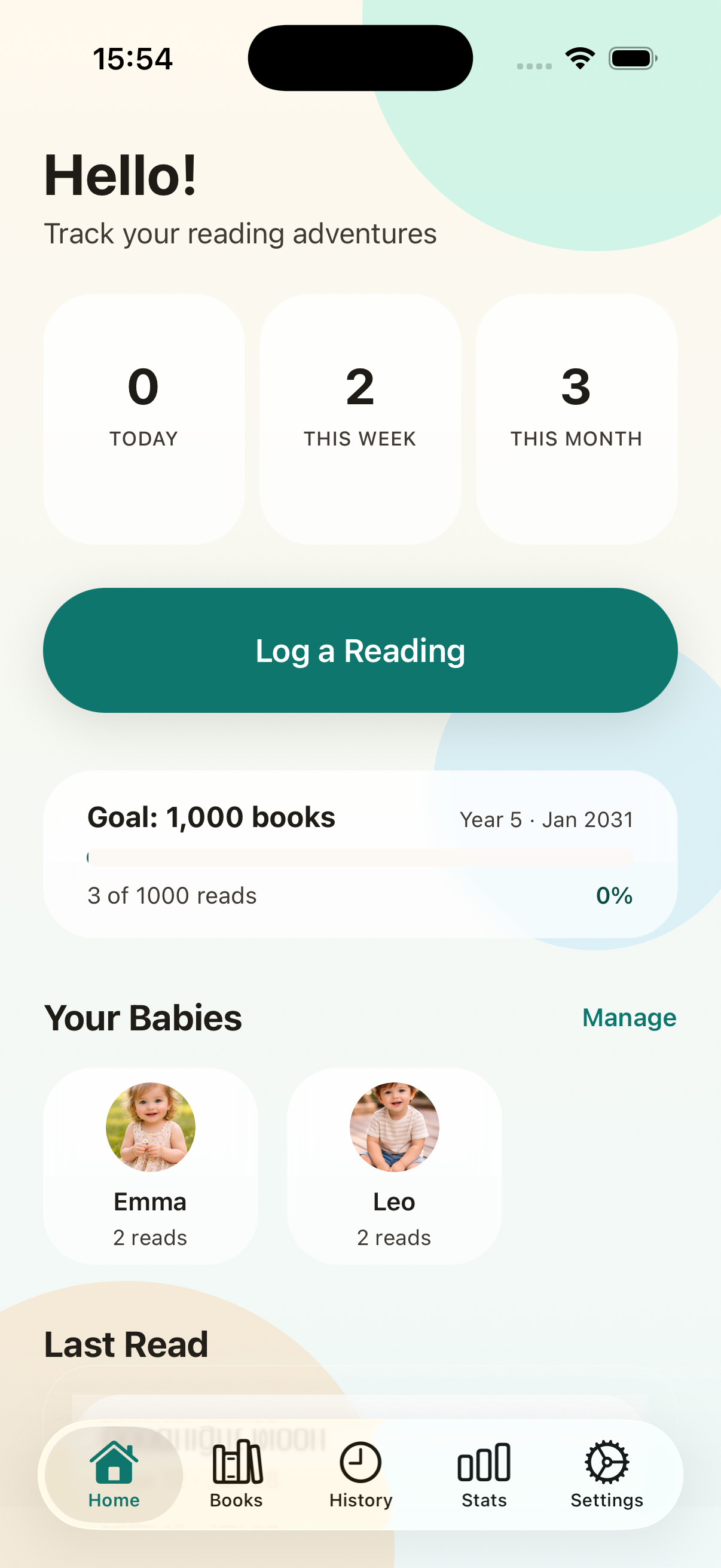
I wanted something calm and lightweight where you can create profiles for one or more children, manage a shared library of books, log who read what, when, and in which language, and see progress over time without spreadsheets or notes apps. The app focuses on a few core screens instead of trying to do everything:
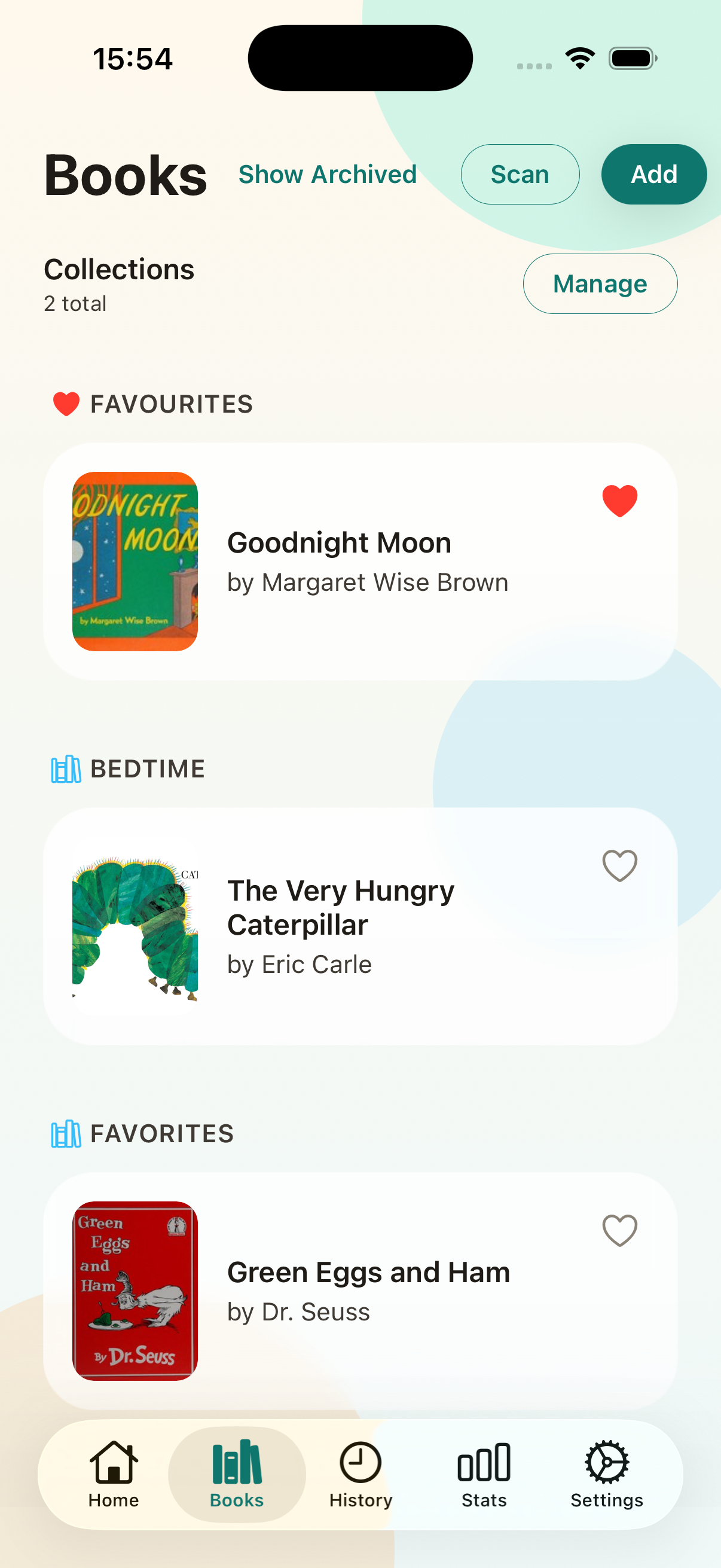
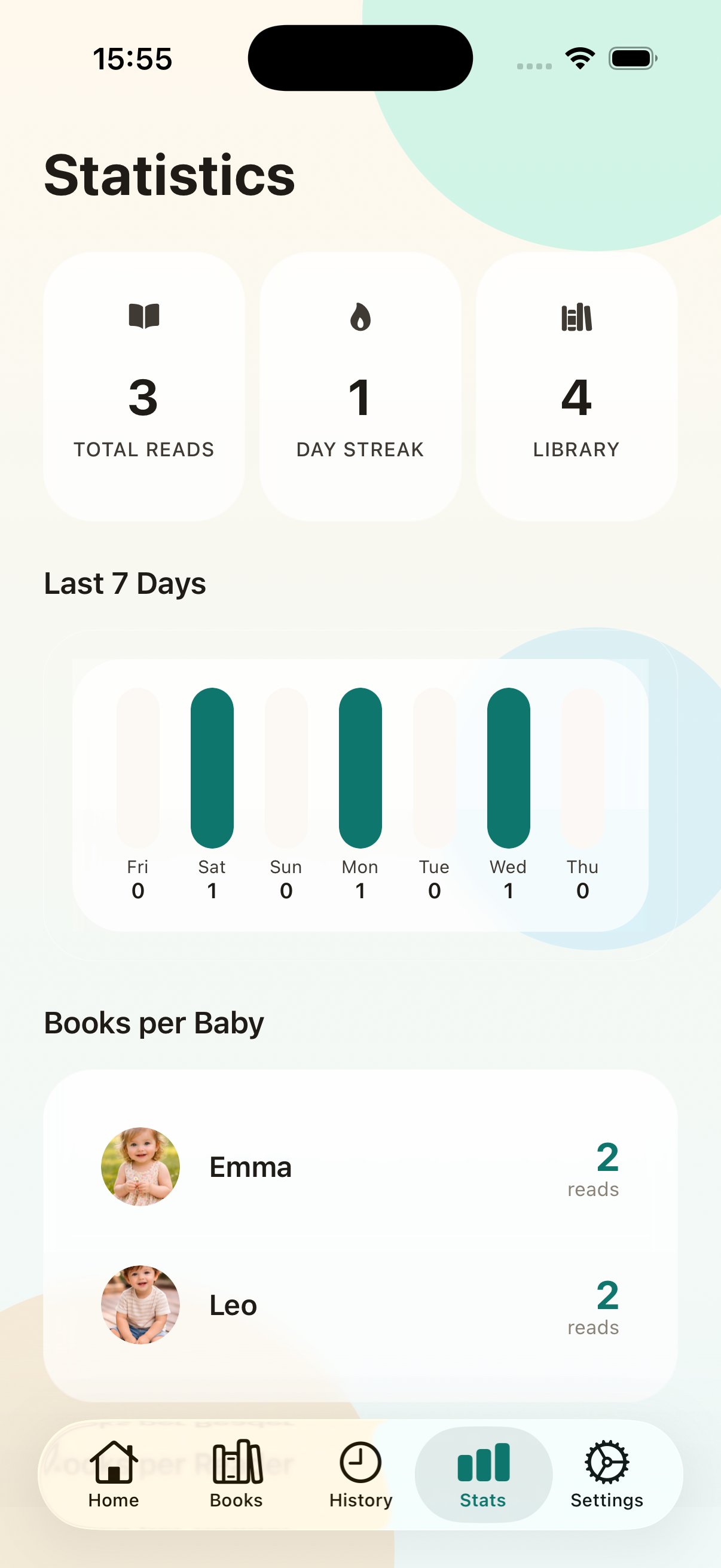
Home: quick overview of your reading activityBooks: add and organize your libraryHistory: browse past sessions by dateStats: see streaks, top books, and per-baby breakdowns
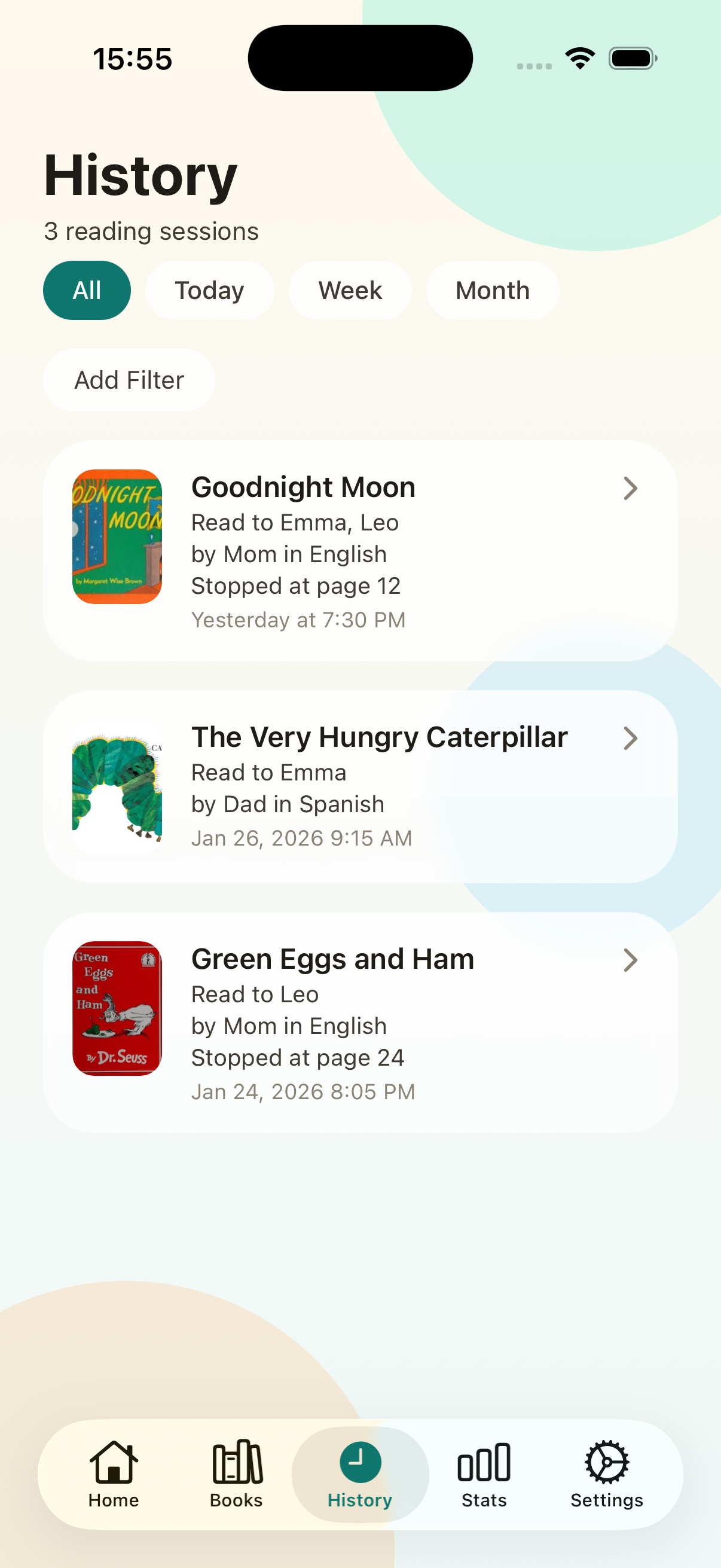
It also supports collaborators, so parents, grandparents, or caregivers can contribute to the same reading log. The app starts free, with a limited number of books you can create, and offers a one-time unlock for full access instead of a subscription.
Private by default
One important choice was to keep things private by default: you can use the app without creating an account, and your data stays on your device or in iCloud if you enable backups. It is the same local-first, no-account approach I used for Provato and Yore. None of these apps need your data to leave your phone to be useful.
Baby Book Tracker is currently available on iOS: download on the App Store. Screenshots, a feature breakdown, and the roadmap are at babybooktracker.montalesi.dev.
Recommended Tools
These are affiliate links. Using them helps support this site at no extra cost to you.
Did you find this useful?
0 readers found this helpful