
- Authors

- Name
- Alberto Montalesi
The App Store wants polished, captioned screenshots at exact pixel resolutions, in a device frame, ideally translated into a dozen-plus languages. Doing that by hand in a design tool, per screen, per device size, per language, is miserable, and for me it was consistently the thing standing between "app is done" and "app is actually submitted." AppFramer is the tool I built to make that step stop being miserable: a fully client-side generator that turns raw screenshots into App Store-ready assets in the browser.
The screenshots below were all produced with AppFramer, for my own apps, including Yore and Valuta:
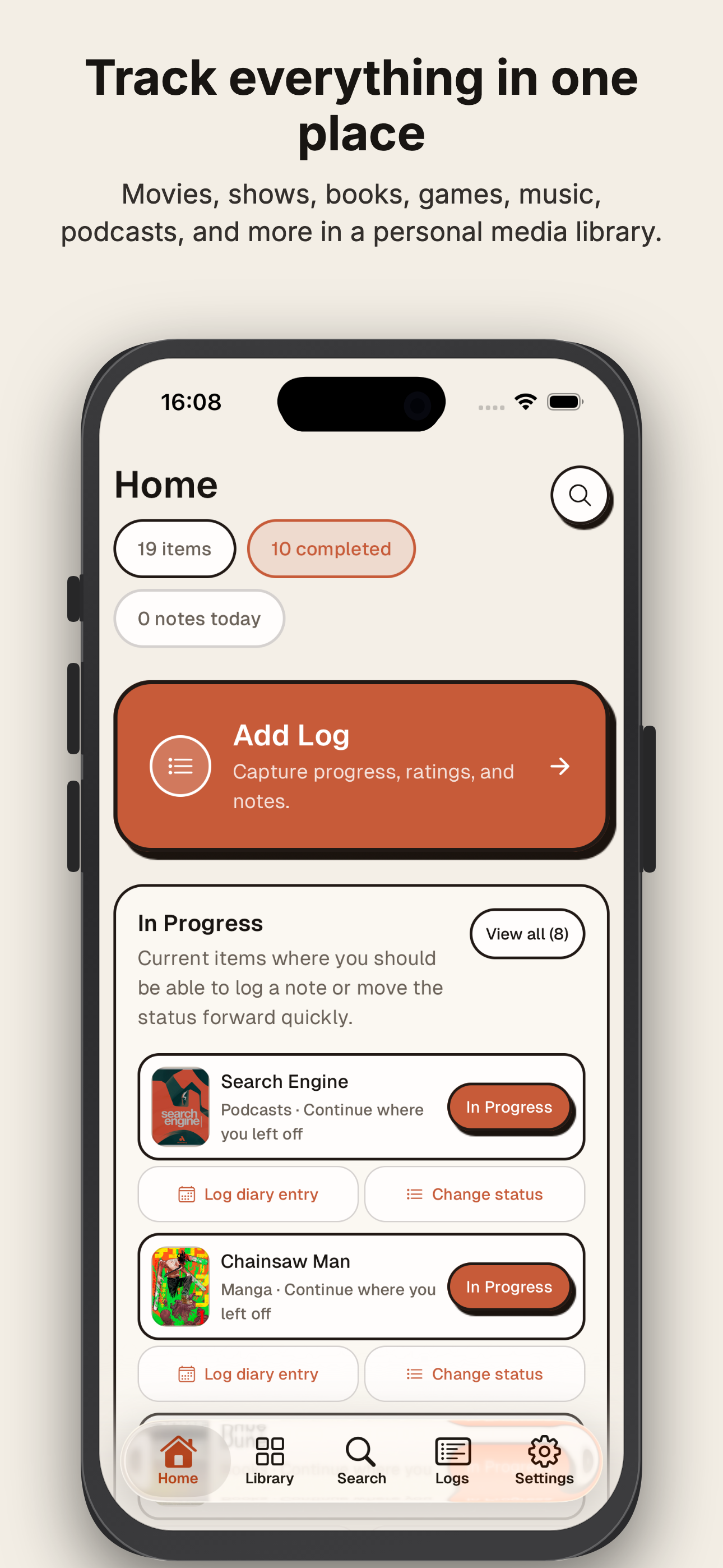
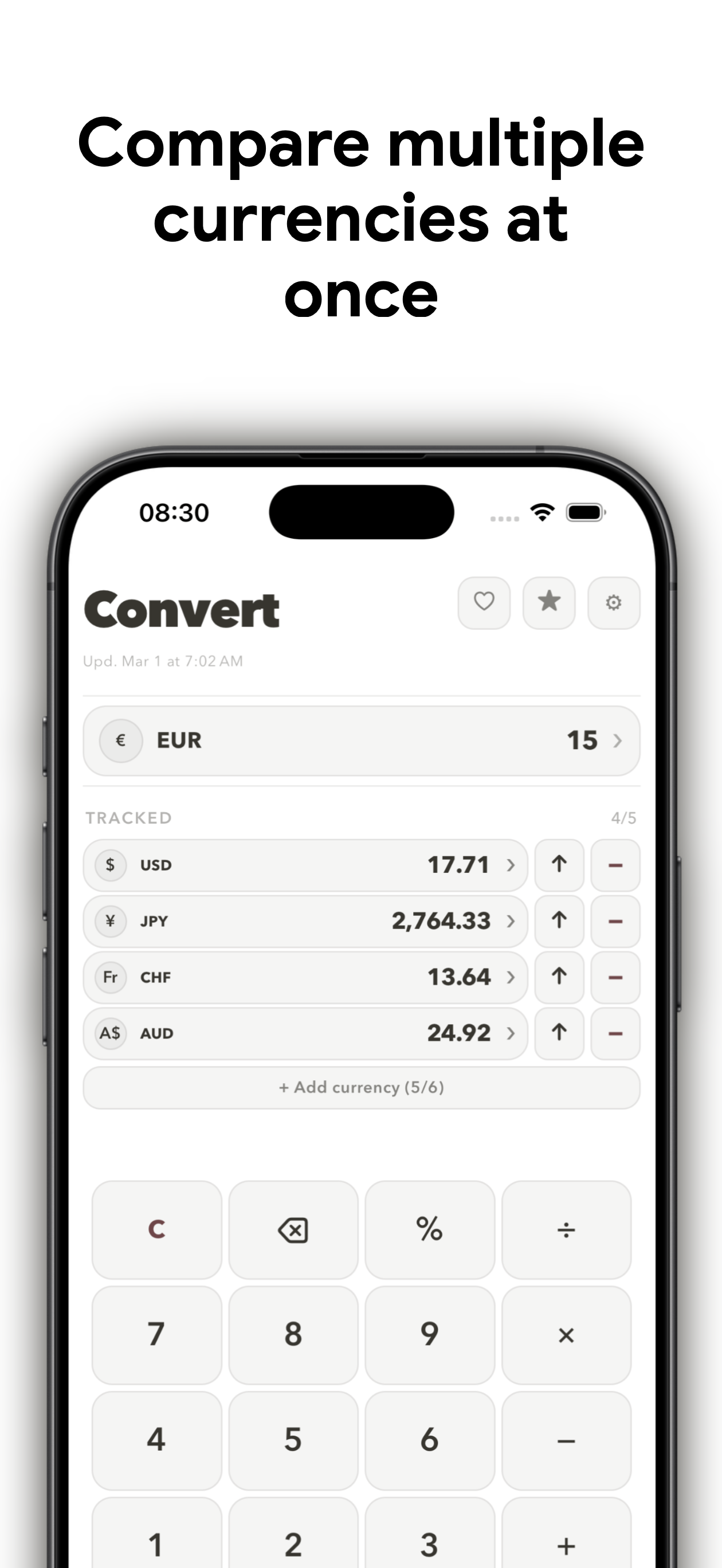
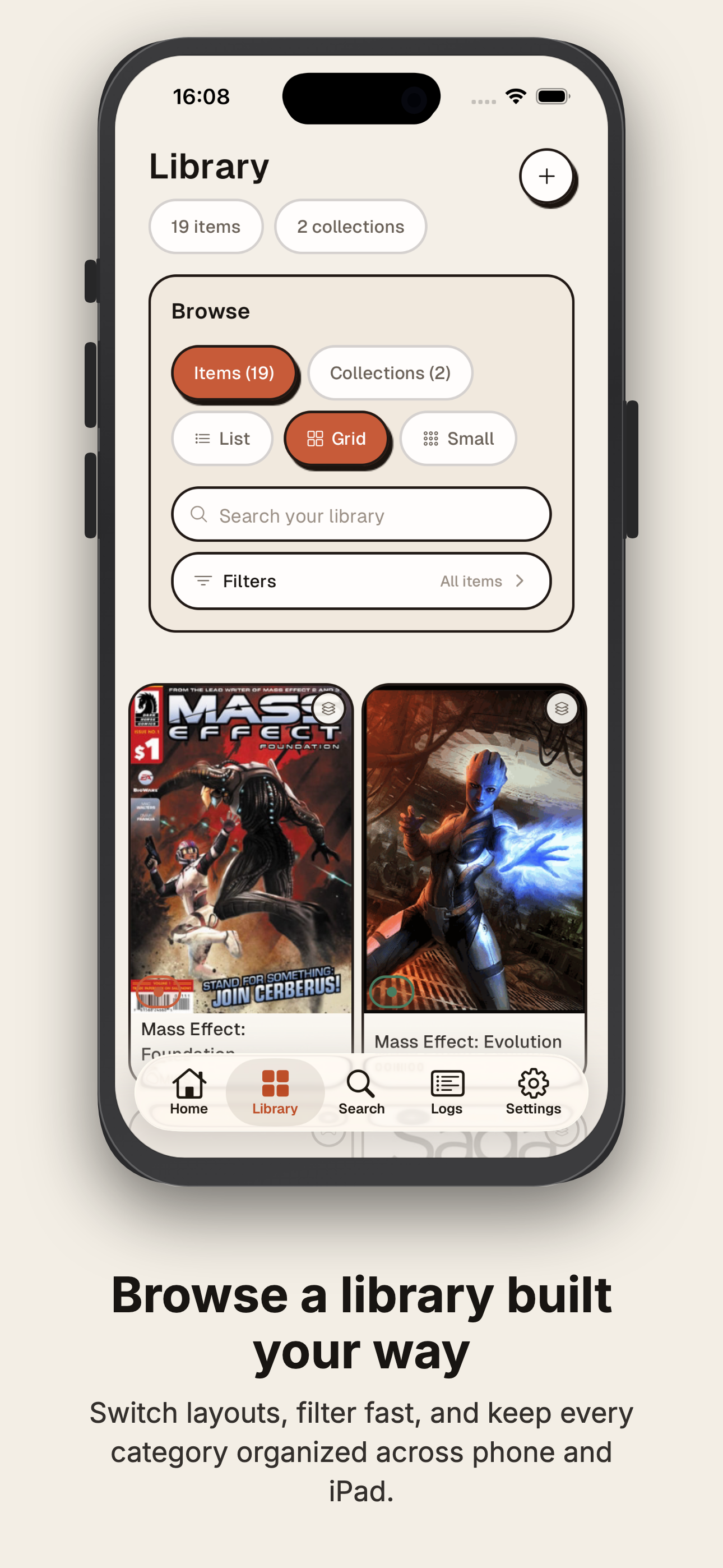
What AppFramer does
I make a lot of small apps, and I didn't want to pay a subscription for a screenshot studio or leave the browser to use one. So AppFramer does exactly the thing I wanted: drop in raw screenshots, write a caption, pick a background, and get a folder of App Store-ready images out the other side.
| Feature | Detail |
|---|---|
| Device mockups | Pure CSS frames for iPhone 6.7", iPhone 6.5", iPad 12.9", iPad 11" at the correct App Store resolutions |
| Captions | Title + subtitle, independent font, size, color, and alignment per caption |
| Fonts and layouts | 12 Google Fonts, 5 layout styles |
| Backgrounds | Solid color or gradient, angle control, 8 presets |
| Translation | Translate captions into up to 18 languages through a third-party translation service |
| Project management | Bulk image upload, save/load the whole project as JSON |
| Export | ZIP of every screen across every language, grouped into per-language folders |
AppFramer has no account system or upload backend, and source screenshots stay in your browser. If you use translation, the caption text is sent to the translation service; the screenshots are not.
Rendering to Canvas instead of capturing the DOM
The part I'm happiest with is the export pipeline. Instead of reaching for a DOM-capture library, AppFramer draws each frame onto a Canvas at the exact target App Store resolution. That means the exported PNGs are pixel-precise to what Apple expects, rather than a screenshot of a screenshot with whatever rounding error the browser's rendering introduces.
AppFramer is a React 18 + Vite 5 app styled with Tailwind, using JSZip for the export bundle and lucide-react for icons. I used AI tools for the device dimensions, Canvas composition math, and export plumbing. The product decisions came from shipping apps such as Baby Book Tracker and Provato.
The nicest proof is that I now use AppFramer for every app I release. It solved my own problem, which is the only reason I trusted it enough to put online at appframer.montalesi.dev. If you ship small apps and dread the screenshot step as much as I did, no account is needed to try it.
Recommended Tools
These are affiliate links. Using them helps support this site at no extra cost to you.
Did you find this useful?
0 readers found this helpful